
Turn Photos into Perler Bead Patterns with AI
Upload an image and AI will redraw it as a perler bead pattern. Pets, cars, and people all become lovely pixel art.
Turn photos you love into bead-ready patterns. Upload an image → AI redraws → automatically converted to a pattern, then fine-tune colors, adjust the grid, and export right in the editor. Images with a clear subject and simple background work best.
How It Works
Upload an Image
Choose a photo with a clear subject, such as a pet, a car, or a person in a simple setting.
AI Redraws & Converts
AI identifies the subject, redraws it in pixel style, and converts it to a bead pattern.
Edit & Export
Fine-tune colors and grid in the editor, then export a pattern sheet with color info.
Great Use Cases
See real examples of pets, cars, and people converting beautifully.
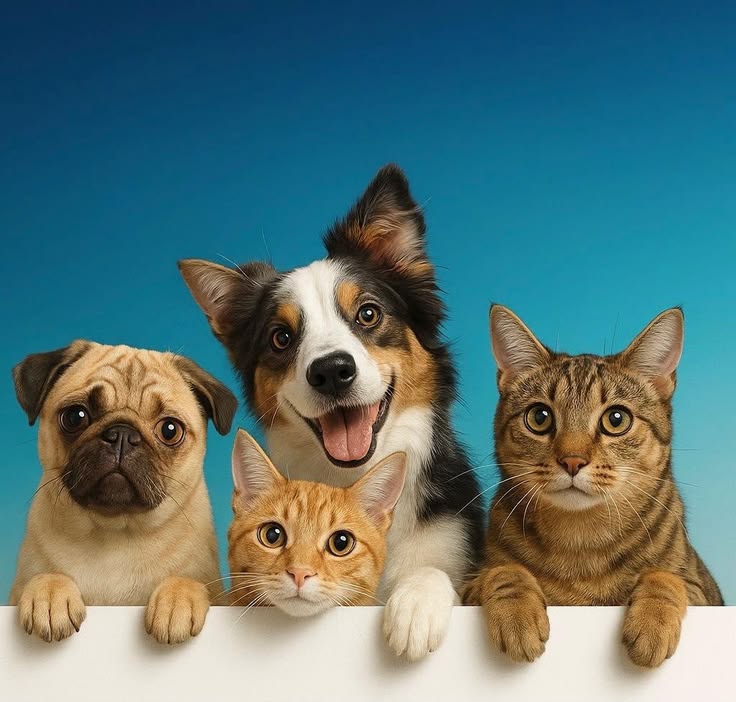 Original
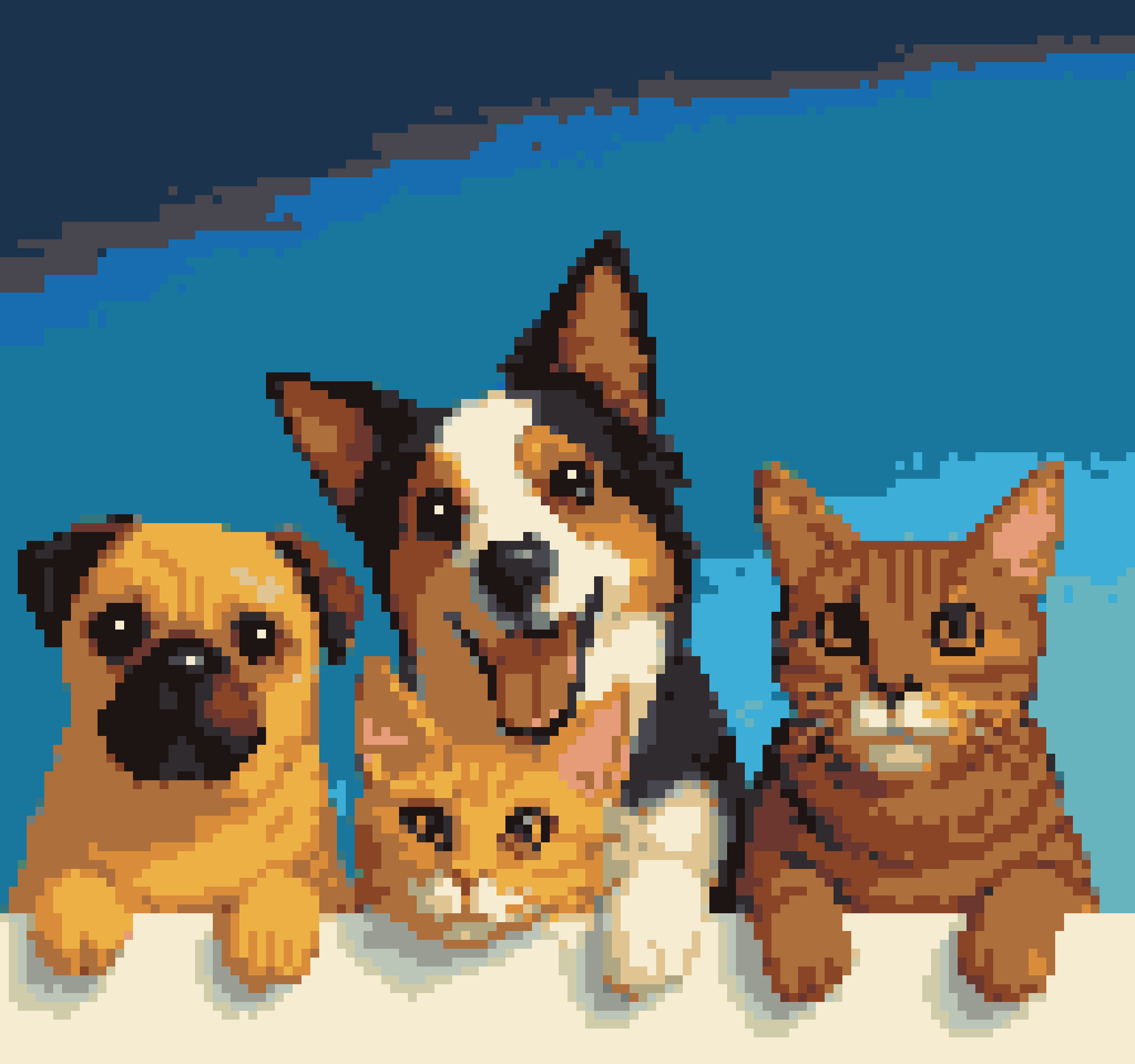 AI Pattern
Pets
Four pets in one shot: a pug, an orange cat, a border collie, and a tabby cat, on a light background with a soft blue gradient.
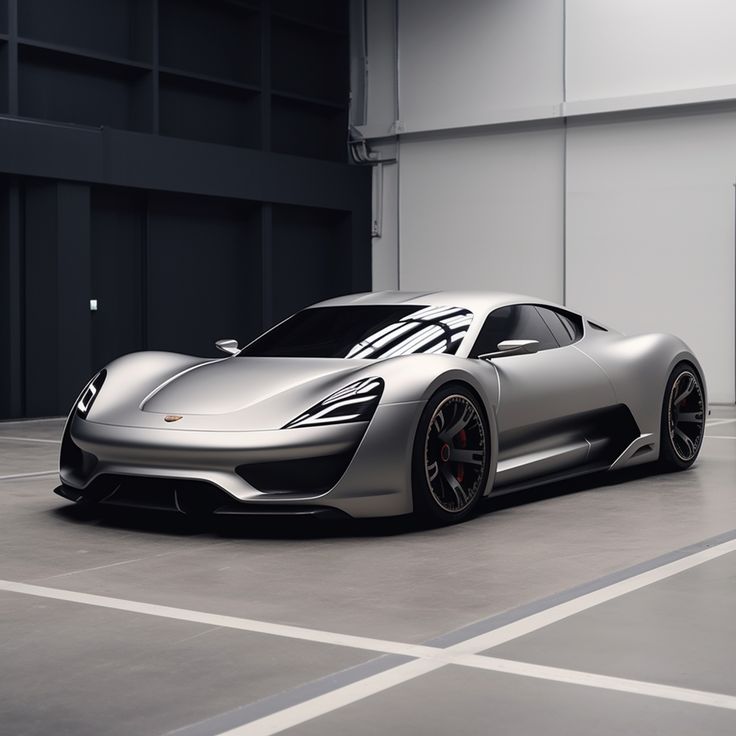 Original
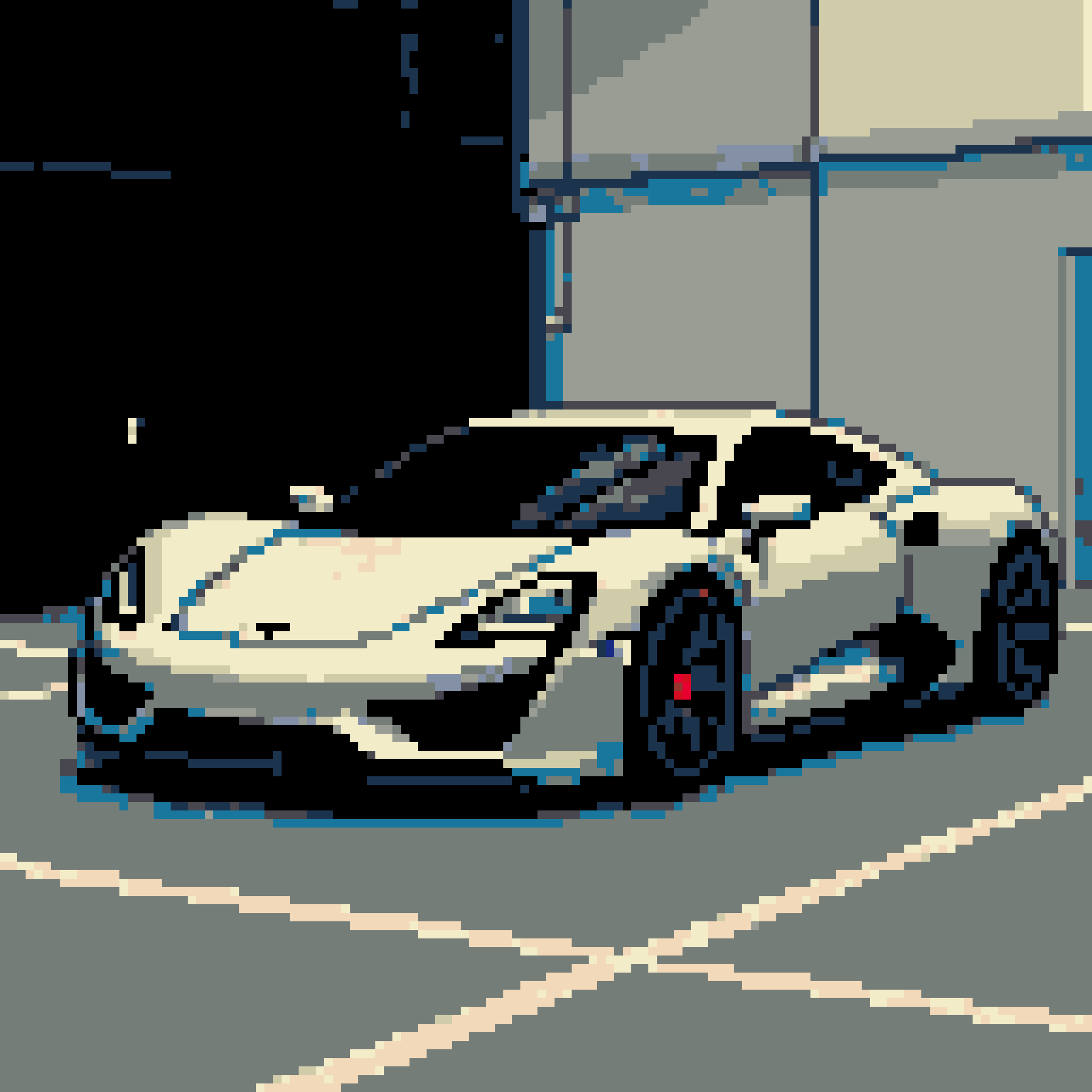 AI Pattern
Cars
A sports car in an indoor garage or showroom, with crisp lines and clean lighting that bring out its silhouette.
 Original
 AI Pattern
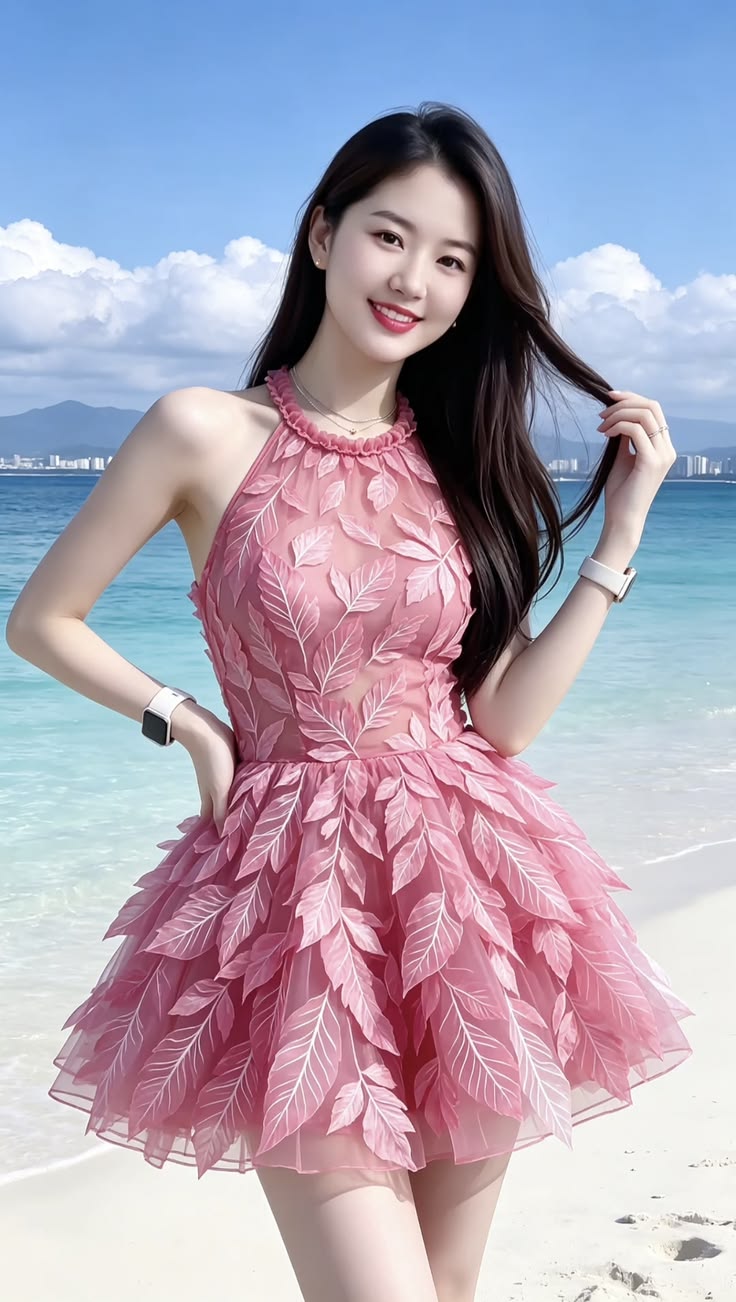
People
A young woman in a pink dress by a tropical seaside, her long hair flowing in the breeze.
For best results, use a high-resolution image (≥512px) with a clear subject and simple background, with the subject covering 60%+ of the frame.
Frequently Asked Questions
Start Generating
Turn photos you love into bead-ready patterns. Upload an image → AI redraws → automatically converted to a pattern, then fine-tune colors, adjust the grid, and export right in the editor. Images with a clear subject and simple background work best.